
Design with intent
Clear hierarchy, purposeful content and a distinctive visual system.
Beautiful. Fast. Scalable websites for brands, businesses and organisations.
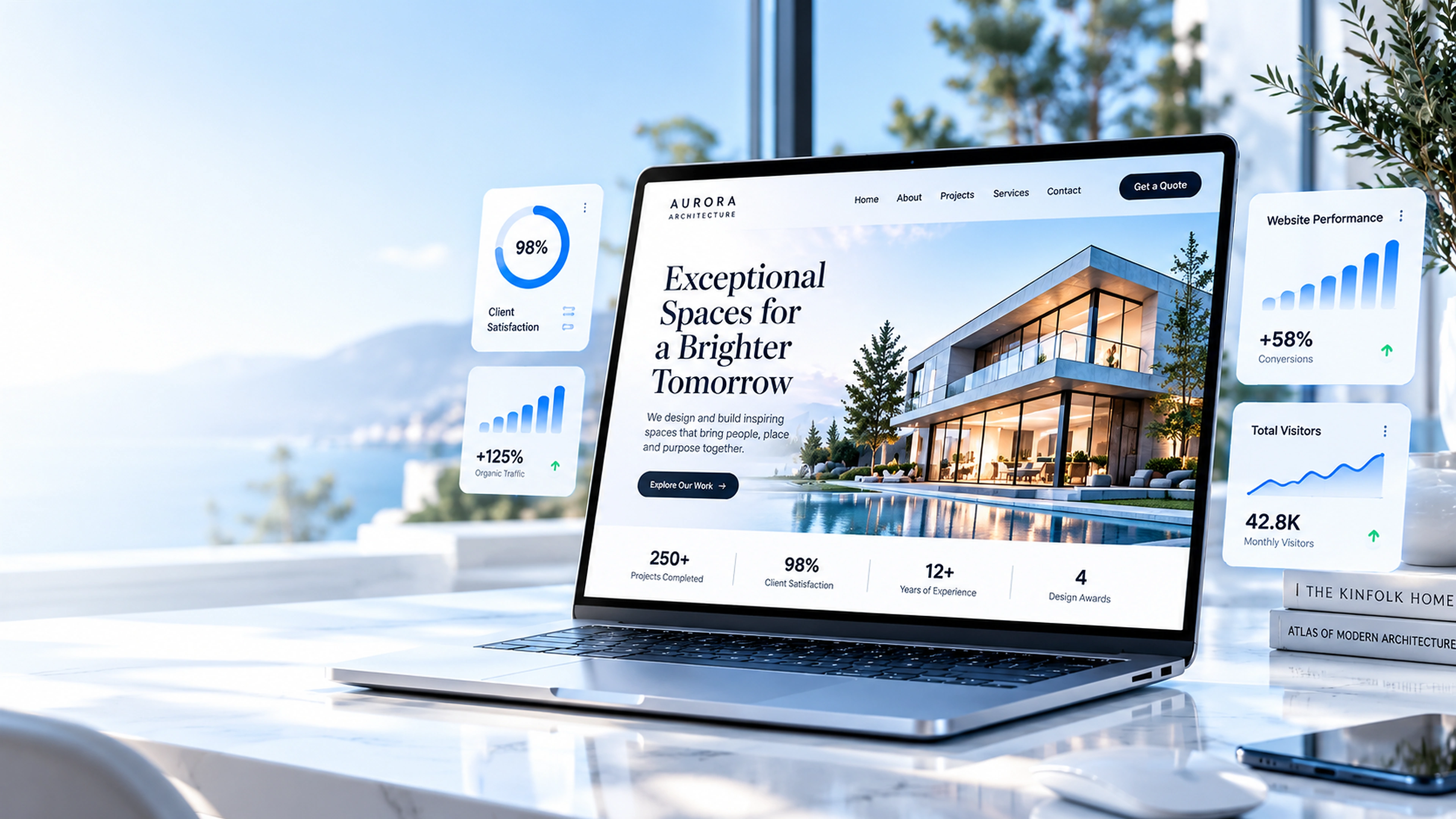 Illustrative concept · Demo metrics
Every page should have a reason to exist. We bring strategy, storytelling, design and engineering together to make that reason clear.
Clear hierarchy, purposeful content and a distinctive visual system.
Lean pages, considered assets and performance-minded implementation.
Responsive layouts, visible focus states and readable contrast.
A flexible foundation for new content, features and growth.
Start with the outcome. Then shape the right experience, tools and technical foundation around it.
Discuss a project
A credible front door: positioning, service narratives, proof, FAQs and clear contact pathways for different audiences.
Editorial systems for project stories, long-form content and portfolios, with reusable structures that keep publishing consistent.

Product discovery, product details, cart or enquiry flows, accessible forms and a checkout journey built around user confidence.

Campaign pages with one clear audience and action, measurable events, reusable content blocks and rapid iteration.
The best websites make a company, product or idea easier to understand—and make the next step obvious. That takes information architecture, content, interaction design and technical discipline working together.
Map the audience, intent and content before designing screens. Build navigation, page hierarchy, internal pathways and reusable page templates that help people find the right information without guesswork.
Translate a brand into typography, colour, grids, imagery, motion and interface components. Keep the design distinctive while ensuring headings, buttons, cards, forms and states remain consistent across the site.
Shape landing pages, service pages, product stories, case studies, FAQs and resource sections around clear messages. Make content scannable without reducing complex ideas to empty slogans.
Design for narrow phones, tablets, laptops and large screens. Support keyboard navigation, visible focus, meaningful link labels, readable contrast, flexible text and reduced-motion preferences.
Build semantic HTML, clear page titles, useful metadata, structured internal links, image dimensions, modern image formats and predictable loading behaviour. Make the important content fast and easy for search engines to understand.
Choose reusable content models and publishing patterns that fit the team. Plan redirects, analytics needs, localisation, new sections and campaign landing pages so the site can grow without becoming inconsistent.
Every stage answers a different question and leaves an artefact or decision behind. The sequence can overlap on small projects, but the decisions remain explicit and reviewable.
Understand the organisation, audience, current site, market, constraints and business intent. Review analytics or feedback when available; do not invent evidence when it is absent.
Output: agreed brief, audience priorities and open questions.Turn the brief into measurable user outcomes, key messages, content requirements, page inventory and a clear definition of what is in and out of scope.
Output: goals, content audit and requirements list.Plan sitemap, navigation, page hierarchy, internal routes, search paths and conversion journeys. Establish what each page must answer and how pages support one another.
Output: sitemap, user journeys and page outlines.Explore visual directions, then define type, colour, layout grid, image treatment, spacing, components, responsive rules and interaction states against representative real content.
Output: approved design direction and reusable UI rules.Implement semantic page templates, shared navigation, content patterns, metadata, asset handling, responsive layouts and any agreed content-management or integration layer.
Output: working structure and core page templates.Build the detail pages, forms, calls to action, error and confirmation states, useful integrations and measurement hooks. Check that every interaction has a clear result.
Output: complete user-facing journeys and connected services.Test route integrity, real copy, keyboard flow, contrast, zoom, mobile and desktop layouts, image loading, performance, metadata, forms and failure states. Resolve critical problems before release.
Output: QA log, fixes and release checklist.Deploy to the intended environment, verify live routes and redirects, confirm ownership and backups, document editing and maintenance, then prioritise future improvements from observed needs.
Output: deployment handover and an evidence-led backlog.A production-minded website considers the entire journey—from the first search result to the final form submission and the next update by its owner.
Semantic markup, stable page patterns, reusable components and predictable URLs.
Keyboard support, proper labels, landmarks, contrast, alt text and motion-aware behaviour.
Responsive image sources, correct dimensions, efficient assets, limited blocking scripts and careful loading priorities.
Unique page titles and descriptions, canonical/redirect planning, crawlable links and content that answers real questions.
HTTPS deployment, restrained third-party scripts, safe form handling, privacy-aware analytics and sensible headers.
Documented page patterns, content ownership, change checks and a workflow that avoids duplicated or stale content.
A complete website programme brings business strategy, audience needs, content, interface design, engineering and ongoing ownership into one coherent experience. The work starts by deciding what the website must make clearer or easier, then follows that intention all the way through launch and continuous improvement.
Before a layout exists, we clarify who the website serves, what those visitors need to know, what makes the organisation credible and what action should follow. We review existing material, products, audiences and constraints; identify unanswered questions; and distinguish essential information from content that can wait. This prevents a beautiful page from hiding a vague message.
A sitemap is more than a list of URLs. It defines how topics relate, which pages explain the big picture, where proof belongs, how questions are answered and how someone moves from discovery to a decision. Navigation, headings, internal links, page templates and calls to action should work as one system. We also plan for real content lengths and empty or missing content, not only idealised mock text.
Typography, spacing, colour, imagery, movement and interaction establish hierarchy and character. We create reusable patterns for navigation, sections, cards, forms, notices and responsive behaviour so each page feels related without becoming repetitive. Keyboard use, text scaling, contrast, reduced motion and touch targets are considered during design—not left as a last-minute checklist.
We translate the approved structure into semantic pages, maintainable templates, optimized assets, working routes and tested integrations. Search metadata, redirects, analytics requirements, privacy and deployment are addressed according to scope. Before handover, the owner should understand how content changes, who maintains dependencies, what to check after an update and how to prioritise the next improvement.
A release is complete when the experience is coherent, usable and operable—not simply when every page is present.
Important audience questions are answered; titles, copy, imagery and calls to action agree; no placeholder or duplicated copy remains.
Primary and footer links work, current states are clear, direct URLs load, and unknown paths have a useful recovery page.
Keyboard focus is visible, controls are labelled, reading order is logical, contrast is sufficient and motion preferences are respected.
Content remains readable at narrow and wide sizes; images preserve their focal point; navigation and forms work with touch, mouse and keyboard.
Assets have appropriate dimensions and formats, important content loads promptly, and page metadata and internal links support discovery.
Form behaviour is transparent, dependencies are understood, deployment ownership is defined and the maintenance path is documented.
A complete website needs a clear content model, a usable path through information, an intentional visual system and a reliable operating plan after launch.
Define who the site is for, what visitors need to understand, why they should trust the brand and which next action matters. Prioritise audiences and content before visual polish.
Plan navigation, page families, internal links and conversion paths. Design how a visitor moves from a high-level promise to evidence, detail, answers and a next step.
Create a coherent system for type, colour, grid, spacing, buttons, forms, cards, imagery and purposeful interaction. Motion should clarify state and hierarchy, not distract from reading.
Build reusable patterns for landing pages, articles, products, case studies, FAQs and resources. Define who can publish, how content is reviewed and how old material stays accurate.
Use semantic structure, meaningful metadata, crawlable links, redirects, image text alternatives and agreed analytics events. Measure useful actions rather than collecting activity with no decision attached.
Test keyboard journeys, contrast, zoom, smaller screens, reduced motion, loading behaviour and failure states. Plan backups, updates, content ownership and the route for fixing issues after release.
The delivery is not just a set of screenshots. It should leave the owner with an understandable, maintainable experience and a clear way to operate it.
Audience, goals, priority journeys, key messages, constraints and measures to use when judging the result.
Page inventory, navigation, content responsibilities, internal pathways and a plan for missing or outdated content.
Approved art direction, reusable interface rules, mobile/tablet/desktop layouts and defined interaction states.
Accessible page templates, working navigation and forms, content workflows and only the integrations agreed in scope.
Link and route checks, accessibility review, responsive QA, image and loading optimisation, metadata and deployment validation.
Documentation, content guidance, ownership, backup/update recommendations and a prioritised list of sensible future improvements.
Clear expectations make better projects. These answers describe the decisions usually worth making before work begins.
Discuss your requirementsNo. Visual design is one part of the work. Structure, content, accessibility, responsive behaviour, performance, security and ongoing content operations all affect whether the site works.
Yes, when page patterns and content structures are planned for growth. New sections should reuse a clear system rather than introduce unrelated layouts and navigation.
The measures should match the goal: qualified enquiries, task completion, useful content discovery, sign-ups, sales or another agreed user outcome—not page views alone.
Often. An audit can separate content and navigation issues from design, accessibility, performance or technical problems so changes are scoped around evidence.
Examples of the kinds of experiences and systems that this discipline can make possible.

A considered story, clear navigation and a responsive experience.

Structured content and reusable patterns that stay consistent.

Thoughtful pathways from first visit to meaningful action.
Bring us the ambition, the problem or the rough sketch. We’ll work through the right next step together.
Connect with Black Hole