
Native-feeling interaction
Touch-friendly controls, considered gestures and clear feedback.
High-quality applications for iOS, Android and cross-platform experiences.
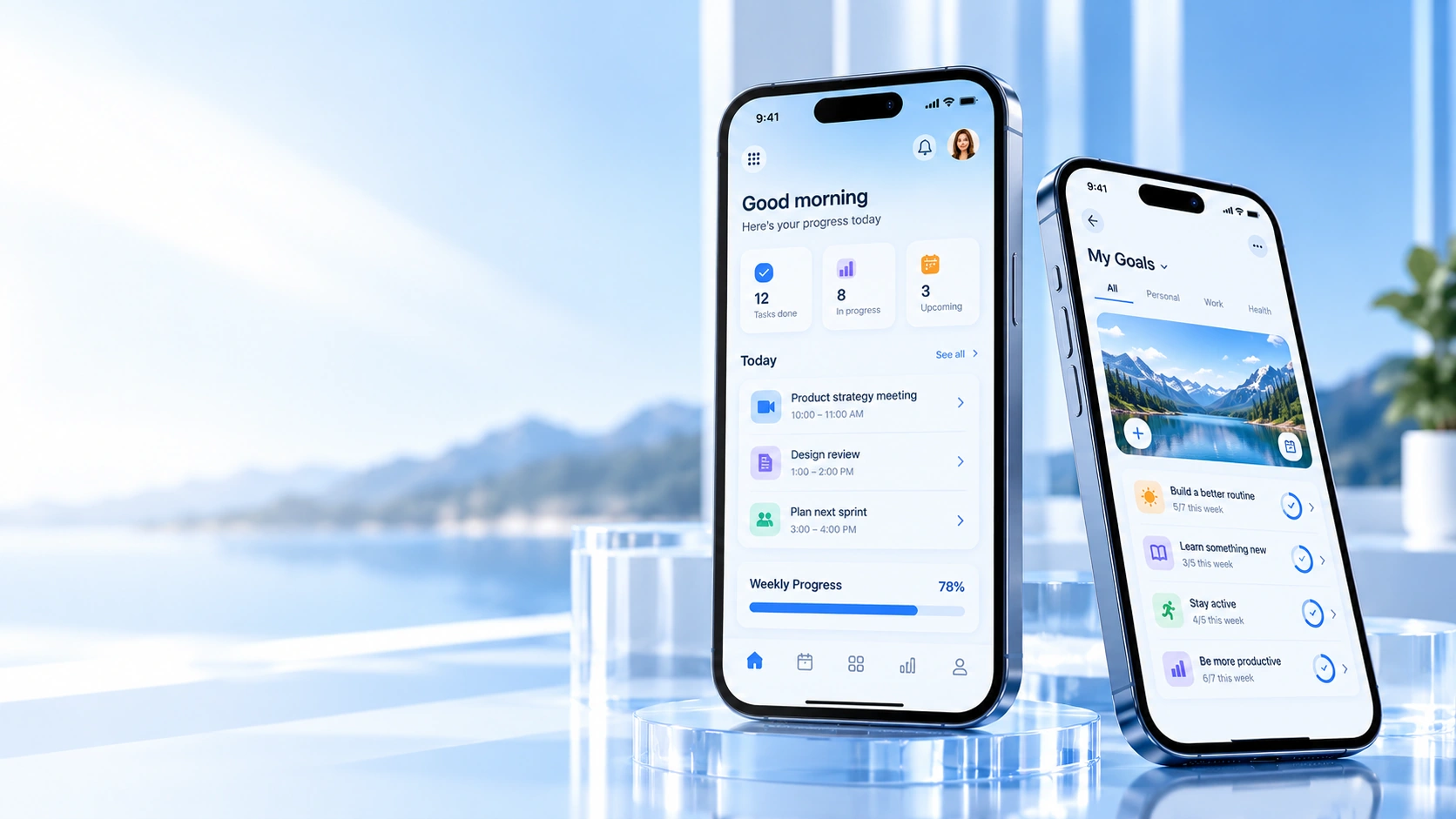
Great mobile products fit the way people actually live and work, with clear interactions, considerate details and performance that feels immediate.
Touch-friendly controls, considered gestures and clear feedback.
Consistent product logic with platform-aware details.
Responsive states and lightweight screens.
Accessible layouts and support for changing screen sizes.
Start with the outcome. Then shape the right experience, tools and technical foundation around it.
Discuss a project
Focused everyday tasks with fast entry, useful reminders, personalisation and simple recovery after interruptions.
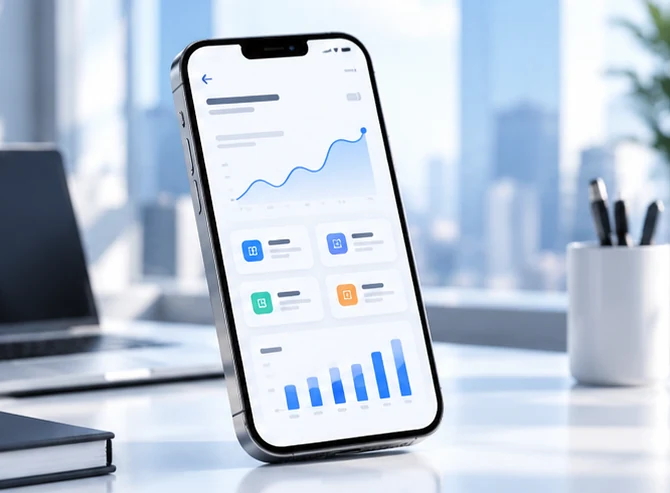
On-the-go tools for field work, approvals, checklists, reporting and secure access to the information teams need.
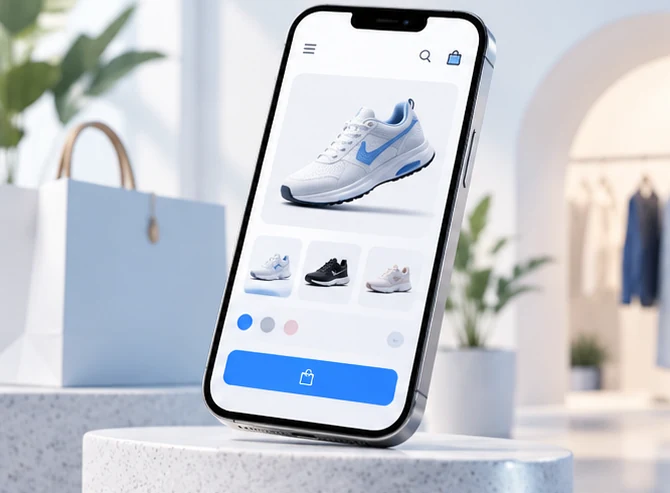
Browse, compare, save, pay and track orders with careful input design and clear feedback at every step.
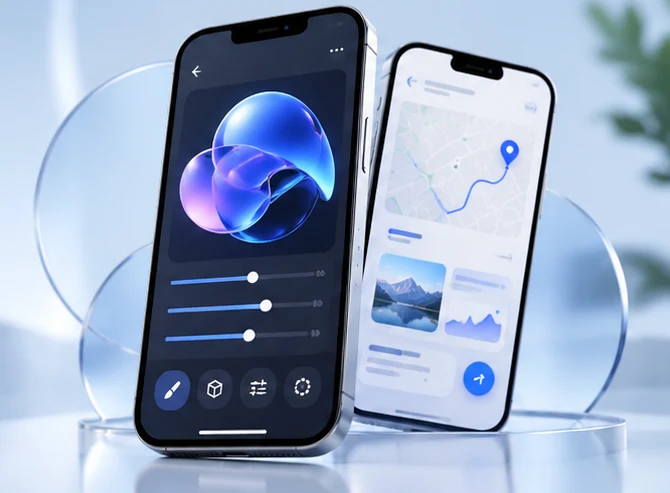
Specialised app flows that use device features only when they make the core job materially easier.
Mobile apps need to work in short sessions, on small screens, across changing network conditions and alongside platform conventions. Every tap, permission request and interruption needs to feel deliberate.
Prioritise the main tasks people need while moving. Reduce setup friction, keep navigation predictable, and help users resume a task after a call, a notification or an app restart.
Respect iOS and Android conventions for navigation, status bars, gestures, text scaling, keyboards, safe areas, accessibility services and system feedback—even when sharing a cross-platform codebase.
Decide what should remain available offline, how changes sync, how conflicts are resolved, and what the user sees when a request is pending or a network disappears.
Use notifications for meaningful, timely information—not noise. Plan opt-in permission timing, deep links, background refresh and battery-conscious scheduling.
Handle camera, microphone, location, files, biometrics and contacts only when the feature genuinely needs them. Explain permission value and provide graceful alternatives when access is declined.
Account for platform versions, device sizes, crash diagnostics, app-store metadata, signing, review requirements, staged releases and a safe way to fix urgent issues.
The process keeps the main user journey central while validating device realities early enough to influence architecture and design.
Identify who uses the app, where and when they use it, how long tasks take, what interruptions occur and which outcomes matter most.
Output: mobile brief, priority journeys and usage context.Agree iOS/Android targets, minimum OS versions, device classes, native or cross-platform strategy, required hardware features and release constraints.
Output: platform matrix and technical decision record.Design onboarding, identity, primary navigation, deep links, interrupted sessions, error recovery, empty states and the route back into unfinished work.
Output: user flows and screen inventory.Test reach, target size, gestures, keyboards, screen-reader labels, text scaling, forms, loading behaviour and permission requests on small screens.
Output: validated mobile interaction prototype.Implement presentation, domain logic, persistence, secure credential handling, networking, app lifecycle behaviour and clear separation of concerns.
Output: functioning app foundation.Connect APIs, notifications, deep links, camera or other agreed capabilities; define offline queues, sync rules and conflict resolution.
Output: complete main journeys with device integrations.Test real devices, OS versions, low connectivity, permission denial, interruptions, background/foreground transitions, accessibility and crash recovery.
Output: device test matrix, fixes and release candidate.Prepare signing and store materials, roll out carefully, monitor stability, respond to feedback and plan compatibility and security updates.
Output: release checklist, ownership plan and improvement backlog.Mobile architecture must balance responsiveness, platform integration, data safety and the practical work of maintaining releases.
Clear separation between presentation, domain rules and data services to make features testable and maintainable.
Platform-compatible navigation, lifecycle management, safe areas, keyboards, permissions and version-specific behaviours.
Local cache and persistence only where useful, visible sync states, conflict handling and safe retry behaviour.
Secure transport, token refresh, session expiry, robust validation and predictable handling of server failures.
Screen-reader labels, scalable text, touch targets, focus order, contrast, crash-free behaviour and test coverage.
Signing and secrets, store listings, privacy disclosures, staged rollouts, version compatibility and a plan for updates.
A mobile experience must work on a small screen, with touch, during short sessions and when the network or application lifecycle changes unexpectedly. The platform is part of the product: permissions, deep links, notifications, safe areas, battery usage and accessibility all shape whether the app feels reliable.
We map the most common tasks and remove steps that are hard to complete on the move. Onboarding should explain value before requesting sensitive permissions; a call or system interruption should not erase progress; and a returning user should understand where they left off. Navigation needs to be consistent, with clear loading, confirmation and error feedback.
The technology approach depends on required device capabilities, visual expectations, performance, release cadence, existing skills and long-term ownership. Sharing code can improve consistency but does not remove platform-specific work. We plan for safe areas, keyboard behaviour, OS lifecycle, accessibility services, signing and the support window for each targeted platform.
The product must distinguish between data saved locally and data synchronised successfully. Queued edits need retry and conflict rules. Camera, location, microphone, biometrics, files and contacts should be accessed only when the feature needs them, with useful explanations and a graceful alternative when permission is denied.
Testing covers different screen sizes, OS versions, network states, lifecycle transitions, performance, crash recovery and real-device behaviour. Release work also includes signing, store listings, privacy disclosures, staged rollout, crash diagnostics and a plan to respond to user feedback and platform changes.
Testing has to represent the conditions in which people actually use their phones—not just a single new device on a fast connection.
Controls are comfortably targetable, layouts survive text scaling, screen readers receive useful labels and focus order remains understandable.
The app handles calls, backgrounding, force-close, rotation where supported and restored sessions without corrupting work or losing important context.
Offline, pending, failed and successfully synchronised states are visually distinct; retries are safe and conflicts have a clear resolution path.
Sensitive capabilities are requested in context, explained in plain language and not treated as mandatory when the product can degrade gracefully.
Startup, navigation, scrolling, media and background tasks are measured on representative hardware to avoid sluggishness and excessive power use.
Signing, privacy statements, store metadata, supported OS versions, crash reporting and staged rollout are checked before and after publication.
A mobile app has to work during short sessions, interruptions, network changes, one-handed use and differences between operating systems and devices.
Choose native or cross-platform implementation based on capabilities, schedule, team and long-term support. Respect each platform’s navigation patterns, safe areas, keyboard behaviour and lifecycle.
Make first use understandable and minimize unnecessary setup. Cover sign-in, recovery, session expiry, device changes and the return path when a user leaves mid-task.
Design target sizes, gestures, focus order, screen-reader labels, scalable text, contrast and clear feedback for loading, success, validation and failure.
Use camera, microphone, location, biometrics, files or contacts only when they support a real feature. Explain permissions when needed and offer a graceful path if access is refused.
Identify what can be viewed or edited without a connection, how queued actions retry and how conflicts are resolved. Show the difference between saved locally and safely synced.
Make notifications opt-in and useful, route deep links to the right screen and measure product health without collecting unnecessary personal data. Plan signing, store metadata, staged rollout and update support.
Delivery must cover the product experience, device behaviour, platform requirements and the ongoing process of shipping safe updates.
Supported OS versions, device classes, screen sizes, orientation, accessibility and the limits of each platform target.
Onboarding, main tasks, navigation, forms, permission timing, interruption handling and empty/error/sync states.
State management, persistence, API layer, identity handling, secrets storage and separation of interface from domain rules.
Validated use of device APIs, deep links, notification preferences, background tasks and permission fallback behaviour.
Tests across representative devices, crash/error checks, performance profiling, signing, store assets and release notes.
Version compatibility, phased deployment, telemetry, privacy disclosures, issue triage and a clear process for follow-up fixes.
Clear expectations make better projects. These answers describe the decisions usually worth making before work begins.
Discuss your requirementsIt depends on required device capabilities, performance, visual complexity, target platforms and maintenance strategy. The choice should follow product constraints rather than a one-size-fits-all rule.
That depends on the job. Decide which data is cached, which actions can be queued, how conflicts are shown and when an action must wait for confirmation from a server.
They should carry timely value, respect user preferences and lead to a relevant screen. Avoid requesting permission before users understand the benefit.
Device/OS testing, accessibility, crash and performance checks, signing, privacy declarations, store review details and a plan for monitoring and updating released versions.
Examples of the kinds of experiences and systems that this discipline can make possible.
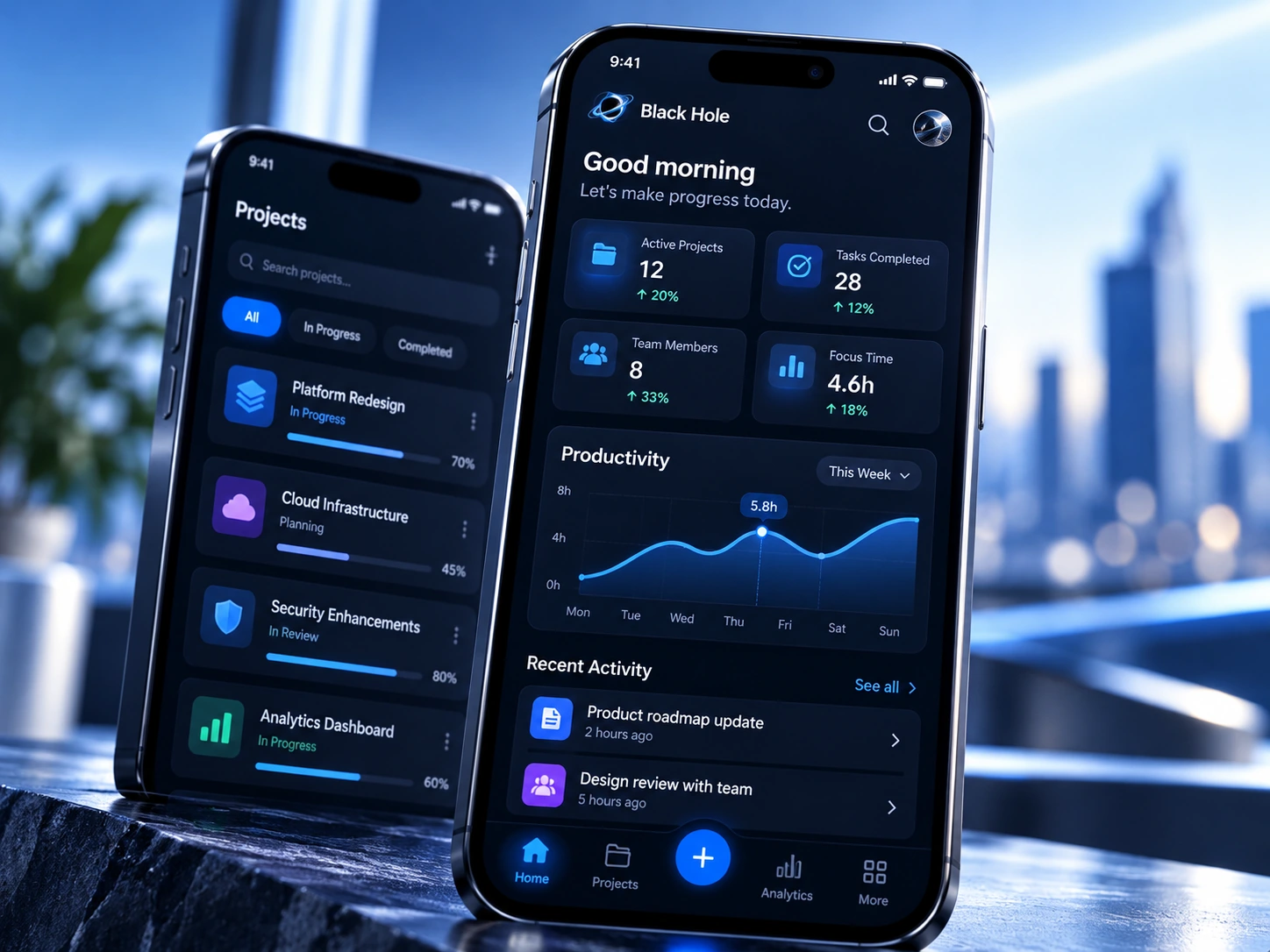
A focused experience designed for quick, repeat use.

Key workflows designed for teams on the move.
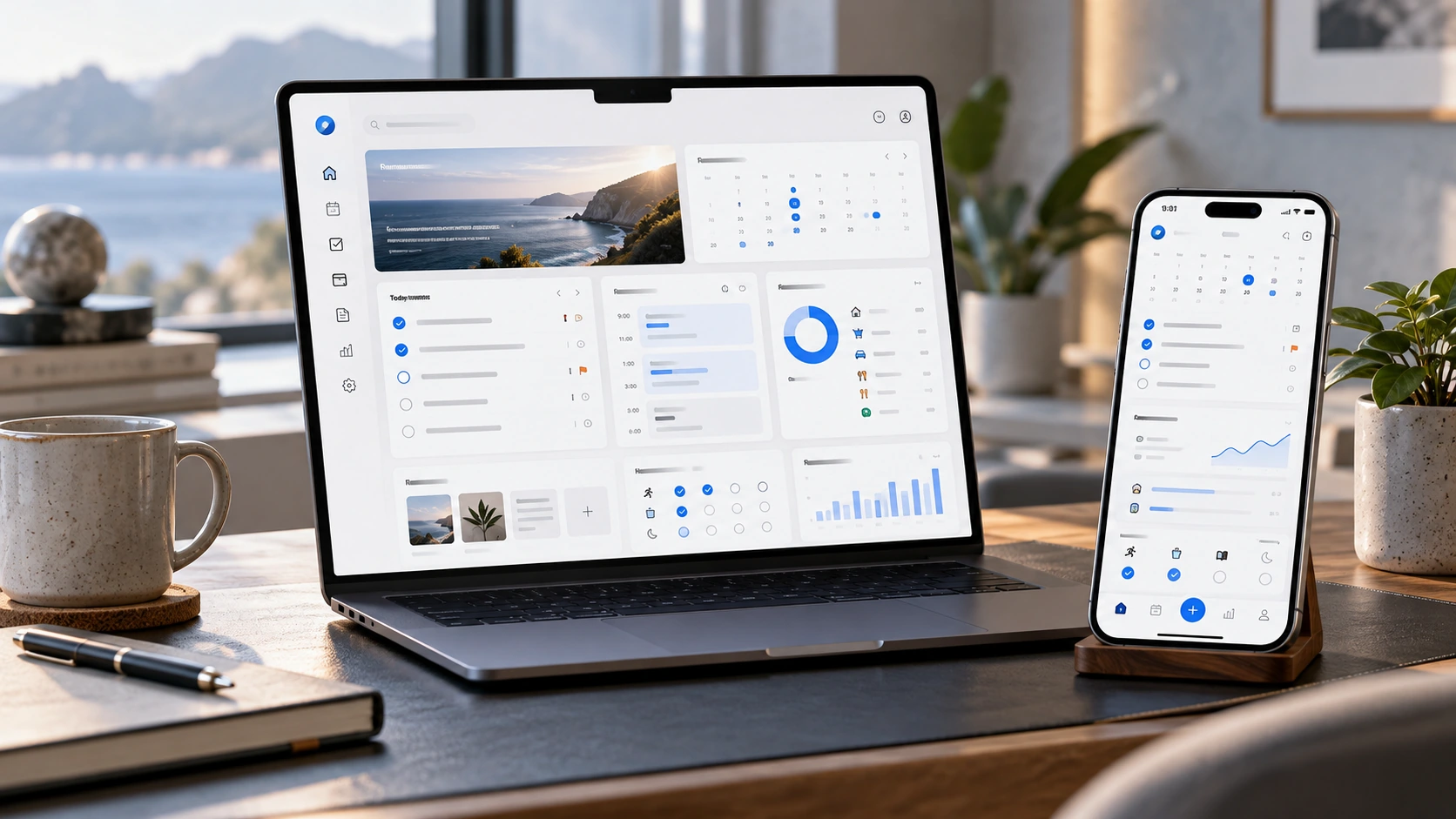
A clearer way to plan and act across devices.
Bring us the ambition, the problem or the rough sketch. We’ll work through the right next step together.
Connect with Black Hole