
Native-minded performance
Respect the platform and the work users need to do.
Professional desktop software for Windows, macOS and Linux with performance built in.
Desktop software gives people room to focus and go deep. We design practical, responsive workspaces for demanding tasks and professional workflows.
Respect the platform and the work users need to do.
Put tools, information and controls where people expect them.
Shape the interface around specialist workflows.
Structure software for stability and future extension.
Start with the outcome. Then shape the right experience, tools and technical foundation around it.
Discuss a project
Media, design or specialist tools with a working canvas, precise controls, previews, keyboard shortcuts and file workflows.
Business software for deeper analysis, document handling, operations or high-volume tasks that benefit from a full workspace.
Developer utilities for inspecting, transforming, testing, debugging or automating technical work with repeatable outputs.
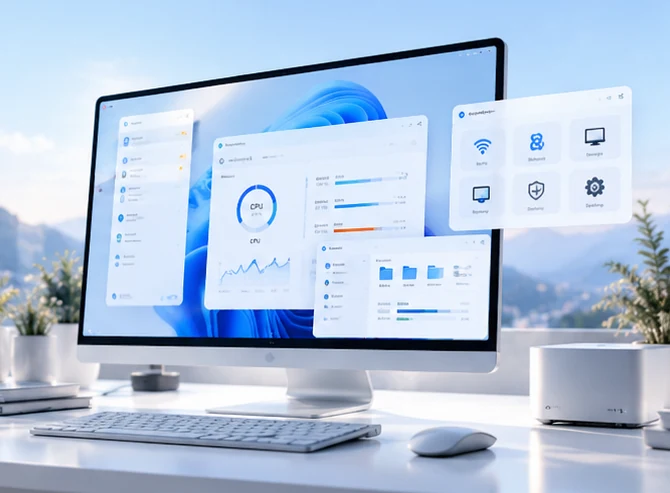
System and productivity tools that need local access, reliable background work, clear permissions and robust updates.
Desktop software can use the space, speed and OS capabilities that professional work requires. It should make complex tasks controllable without overwhelming the user with panels and settings.
Create a clear hierarchy for navigation, primary canvas, tools, inspectors, shortcuts, status and preferences. Support focused work as well as deep control when a task needs it.
Plan around startup time, memory, CPU/GPU work, large files and long-running tasks. Show progress for expensive operations and avoid making the interface feel frozen.
Consider filesystem access, native menus, keyboard shortcuts, drag-and-drop, notifications, window management, system themes and platform-specific expectations.
Define import/export, file formats, autosave, recovery, version compatibility and data-loss prevention. Make destructive operations reversible where possible.
Expose useful preferences, workspace layouts, batch operations and advanced settings without making first use difficult. Make power features discoverable instead of hidden behind unexplained controls.
Plan installers, signing, permissions, update channels, diagnostics, rollback strategy and clear handling for failed installations or upgrades.
The delivery path tests workflow fit and operating-system assumptions early, then hardens the application for installation, interruption and long-running use.
Map user tasks, document or data volume, input patterns, supported operating systems, offline needs, file access and performance-sensitive operations.
Output: use-case brief and target-environment matrix.Compare native, cross-platform and web-wrapper approaches against device integration, performance, packaging, team skills and long-term maintenance.
Output: platform rationale and implementation boundaries.Plan windows, panels, toolbars, keyboard shortcuts, menus, file selection, progress states and recovery flows for sustained use.
Output: workflow prototype and interaction system.Prototype large-file handling, rendering, local storage, OS permissions, hardware access or background computation before scaling the feature set.
Output: validated technical spike and risk decisions.Implement domain logic, persistence, local data rules, UI state, command handling, logging and boundaries between the interface and long-running work.
Output: reliable desktop foundation.Add file import/export, notifications, shortcuts, inter-process or service integrations and background tasks as required by the scope.
Output: complete end-to-end desktop tasks.Test resource use, malformed files, interrupted operations, crashes, recovery, supported OS versions, installers and update behaviour.
Output: tested release candidate and packaging checks.Publish signed or verified installers where applicable, document upgrades and backups, monitor issues, protect diagnostics and plan maintenance.
Output: release package, support guidance and update policy.The right desktop foundation depends on whether the product is a lightweight companion, a creative tool, a developer utility or a performance-intensive application.
Choose a framework and language that match required OS access, performance, distribution and long-term support.
Atomic saves where appropriate, autosave/recovery, backups, format validation and explicit confirmation for irreversible changes.
Worker threads or processes for expensive tasks, progress reporting, cancellation and safe shutdown behaviour.
File associations, command-line support, global shortcuts or hardware integration only when these improve the workflow.
Least-privilege permissions, protected credentials, signed builds, dependency hygiene and safe handling of untrusted files.
Installers, code signing, updates, release channels, crash diagnostics and compatibility testing across target operating systems.
Desktop products are valuable when people need a persistent workspace, precise input, keyboard-driven workflows, large information views, local files or close operating-system integration. We shape the product around sustained work and predictable behaviour, while planning installation, updates, recovery and resource use as part of the experience.
We determine whether the product is for creative work, business operations, developer workflows or system utilities. That decision informs window behaviour, multi-panel layouts, keyboard shortcuts, file handling, automation and how much information can be visible at once. A desktop interface should use the space productively without turning it into a dense control room.
File systems, shell integrations, native menus, notifications, drag-and-drop, printers, hardware access and background tasks can make desktop software more capable. Each integration introduces permission, portability and failure considerations. We define which resources are accessed, how errors are communicated and how user work is protected if the process stops unexpectedly.
Large files, long-running operations, rendering, indexing or computation should not freeze the entire interface. We consider background workers, cancellation, progress indicators, autosave, crash recovery, logging and explicit state boundaries. The right design depends on the workload and target devices rather than assuming every desktop app needs a highly complex architecture.
Packaging, code signing where applicable, dependency management, automatic or manual updates, migration, rollback and removal are all part of the product. We also plan diagnostics and safe logs that help users report a problem without revealing confidential files or credentials.
A dependable desktop tool should remain responsive, recover predictably and behave honestly when the operating system or input data does not cooperate.
Heavy tasks run without freezing the primary interface; users can see progress, cancel when safe and understand long-running work.
Writes are validated, destructive actions are explicit, partial operations are handled and recovery or backups match the importance of user data.
Menus, shortcuts, window resizing, focus, files, permissions and supported OS versions are tested in the intended environment.
CPU, memory, disk, startup time and background activity are measured under representative workloads.
Install, first launch, permissions, update, migration, rollback and uninstall paths are documented and verified.
Logs assist debugging while avoiding secrets and unnecessary content from local files, user prompts or documents.
Desktop products often handle larger files, deeper workflows, specialised controls and long-running operations. The experience should remain responsive and protect user work.
Balance the main canvas, navigation, inspectors, panels, menus, shortcuts and status information. Let users focus first and reveal advanced controls when the task calls for them.
Design import/export, file associations, format validation, project folders, autosave, recovery and version compatibility. Make destructive actions reversible when practical.
Plan startup, memory, CPU/GPU work, indexing, large-file operations and cancellation. Expensive tasks should show progress and must not freeze the main interaction loop.
Consider windows, native menus, keyboard shortcuts, drag-and-drop, notifications, themes, system APIs and platform conventions. Use these capabilities where they materially improve the workflow.
Use least privilege, protect secrets, validate imported files, sign builds and limit filesystem or network access to what the product needs. Explain permissions and errors clearly.
Plan installers, signing, release channels, update checks, rollback and crash recovery. A reliable application includes a path to restore a usable state after an interrupted task or failed update.
A professional desktop release includes file and OS behaviour, resource handling, packaging and a safe way to maintain the software after distribution.
Primary tasks, advanced operations, navigation, layout rules, shortcuts, menus and preferences.
Progress, cancellation, save state, unsaved changes, error recovery, confirmations and keyboard behaviour.
File formats, background tasks, system interfaces, data persistence and external service dependencies.
Startup, memory, CPU/GPU, large-file scenarios, long-running processing and responsiveness targets.
Package/signing approach, permissions, update channels, migration considerations and rollback strategy.
OS compatibility, accessibility, malformed input tests, crash recovery, diagnostics and user-facing troubleshooting.
Clear expectations make better projects. These answers describe the decisions usually worth making before work begins.
Discuss your requirementsWindows, macOS and Linux are all possible in principle, but the appropriate scope depends on platform APIs, signing, packaging, user expectations and maintenance capacity.
Use safe save semantics, autosave or recovery where appropriate, explicit unsaved-state indicators, validated file writes and a tested recovery path for interruption or failure.
Move expensive work away from the main UI thread, report progress, support cancellation where safe and preserve a clear result if the application is closed or interrupted.
Yes. Operating systems, dependencies and file formats change; a release and support plan is part of a usable product, not an optional afterthought.
Examples of the kinds of experiences and systems that this discipline can make possible.
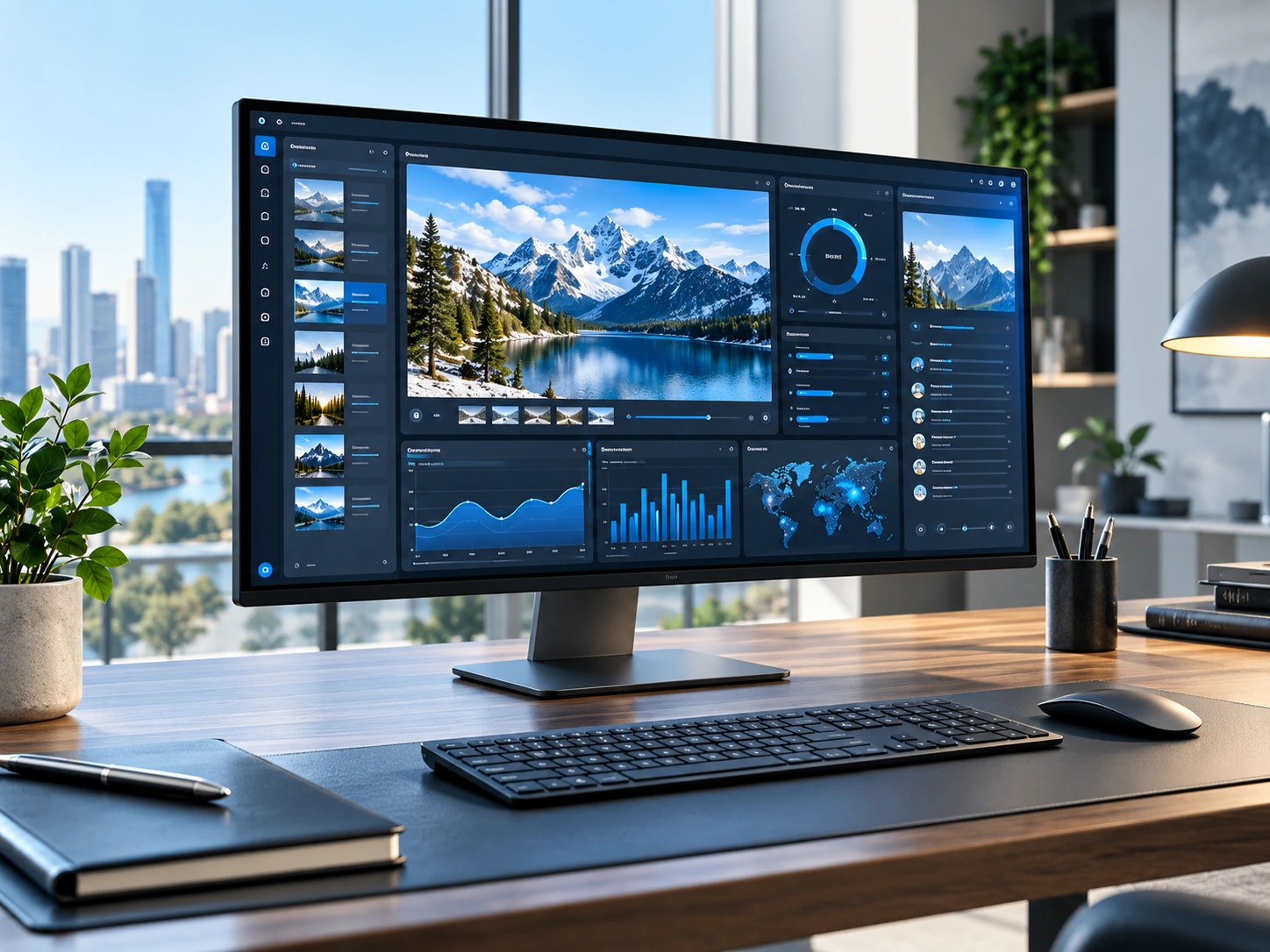
A focused canvas for tools, previews and detailed work.
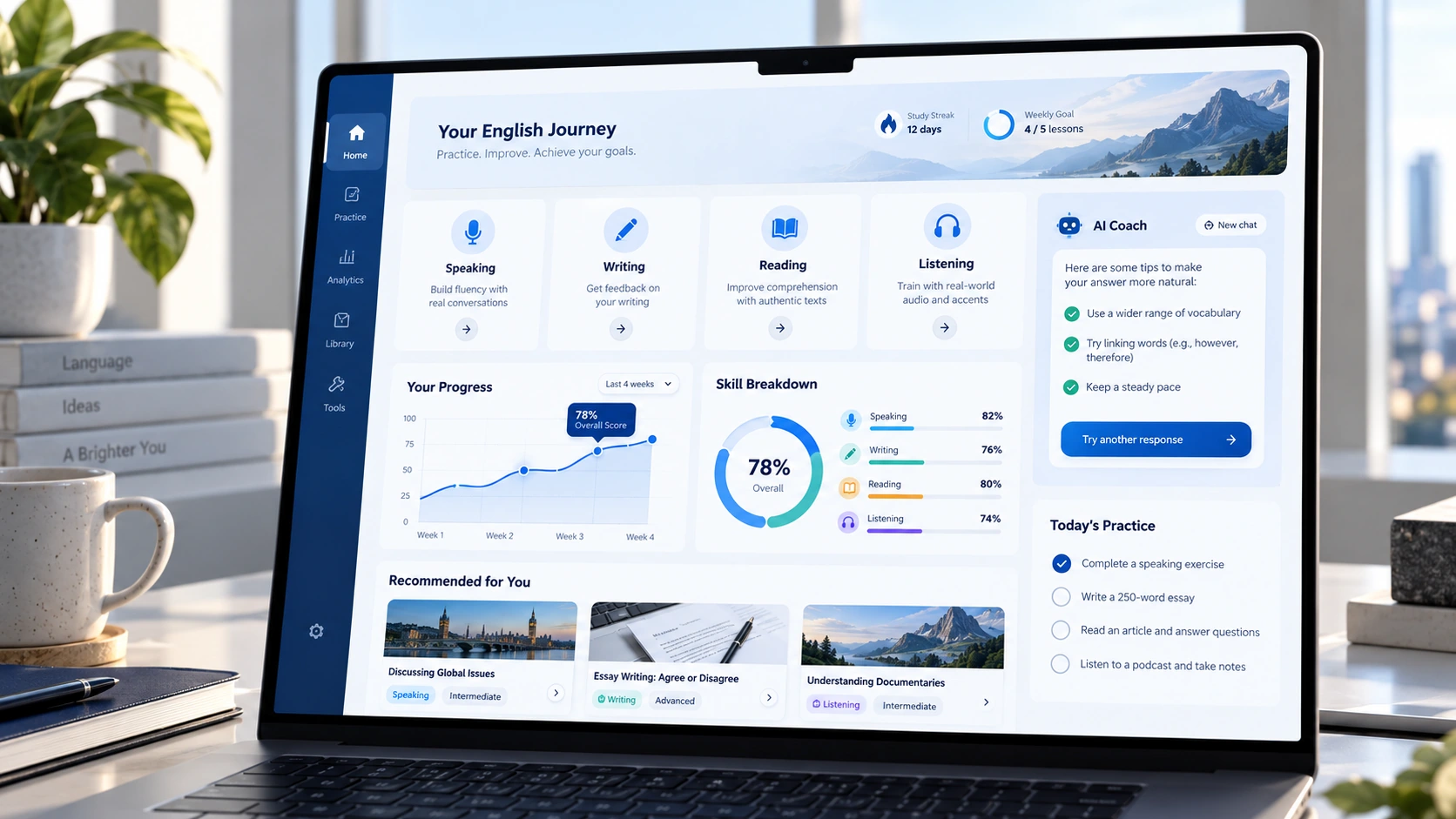
Keep tasks, activity and information close at hand.

Surface system health and actions without clutter.
Bring us the ambition, the problem or the rough sketch. We’ll work through the right next step together.
Connect with Black Hole